Mazda Car App — Lock, Unlock, Fuel & Location from Your Phone
CarConnect works with Mazda vehicles: lock and unlock from anywhere, see live location and fuel level, and keep documents and service history in one place — all from your phone, with no wiring or extra hardware. It requires an active connected-services account (MyMazda (Mazda Connected Services)) and a supported model year.
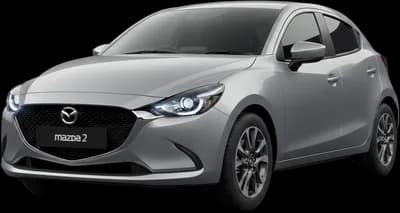
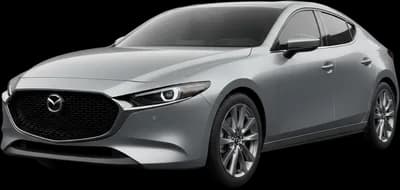
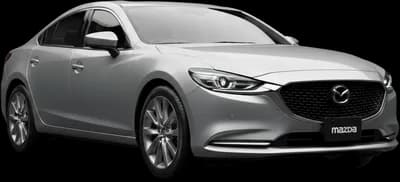
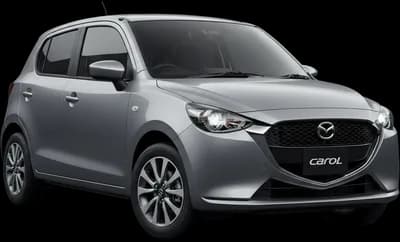
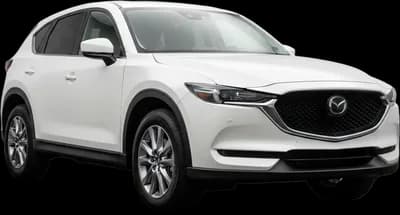
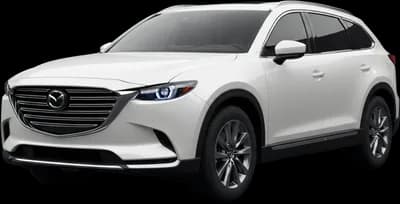
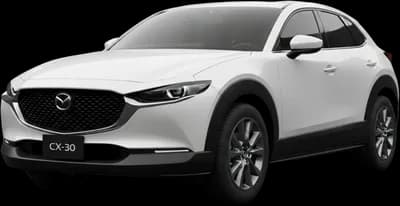
Mazda models CarConnect works with
14 Mazda models, generally from model year 2010 onward. The free compatibility check names exactly what your model and year supports, in a few seconds, with no account and no card.
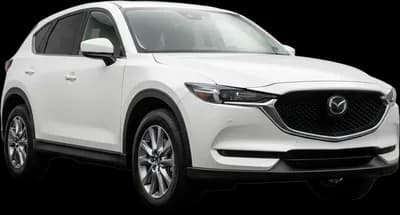
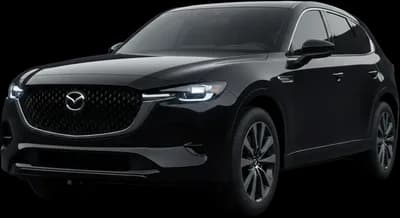
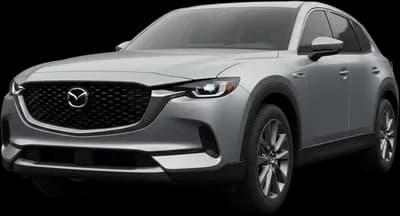
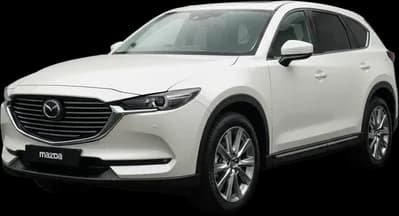
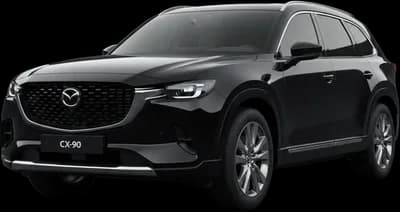
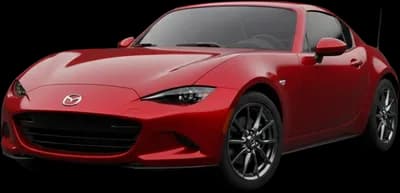
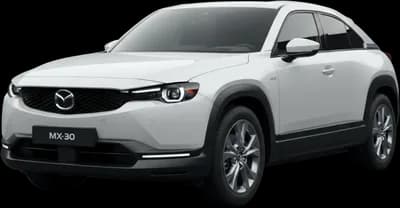
Your Mazda, in your pocket
Lock & unlock
Lock or unlock from anywhere — no key-fob range limit — and see the real lock state, not a guess.
Live location
See where the car is parked (or headed) on a live map, using the vehicle's built-in GPS.
Fuel & status
Fuel level or EV charge, odometer and vehicle status at a glance before you leave the house.
Documents vault
Insurance, registration and service records in one place, attached to the right car.
Service reminders
Maintenance history and reminders so nothing on the schedule slips.
Feature availability varies by Mazda model, year and connected-services plan — the in-app compatibility check shows exactly what your car supports before you subscribe.
Connect your Mazda in three steps
Check your Mazda
Pick your Mazda model and year in the free compatibility check — you'll know in seconds whether your car qualifies.
Activate connected services
Make sure your MyMazda (Mazda Connected Services) account is active. Most recent Mazda vehicles sold in the USA already include one — your dealer can confirm.
Link and go
Sign in to your connected-services account inside CarConnect. No wiring, no hardware — your Mazda appears in the app in minutes.
Mazda owners ask
How does CarConnect connect to a Mazda?
Through your Mazda Connected Services account. Sign-in happens on Mazda's own page and CarConnect gets a revocable token for that one car.
Can I see where the car is parked?
Yes, on a live map, using the modem built into the vehicle. There is no range limit and nothing to install in the car.
Does it work on an MX-30 or CX-90 PHEV?
Electrified Mazdas report charge level and range on the same status card as fuel models, and charging can be controlled on supported vehicles.
CX-5, CX-50, Mazda3 — covered?
They are in the supported Mazda list, generally from model year 2010 onward. The free in-app check names what your model year supports.
Does CarConnect work with Mazda vehicles?
Yes — CarConnect works with Mazda vehicles that have an active connected-services account (MyMazda (Mazda Connected Services)). Once your account is linked, you can lock and unlock, check location and status, and manage your car from the CarConnect app.
Which Mazda model years are supported?
Coverage generally starts around model year 2010 and depends on the model and region — support comes from the vehicle's built-in connectivity, not from any hardware we add. The fastest way to check is the in-app compatibility check: pick your Mazda model and year and you'll get an instant answer.
What do I need before connecting my Mazda?
An active MyMazda (Mazda Connected Services) account. Most Mazda vehicles sold in the USA in recent years already include one — your dealer can confirm or activate it. No wiring, dongle or extra hardware is needed.
Does CarConnect replace the official Mazda app?
No. CarConnect is an independent companion app that works alongside the manufacturer's own app. Many drivers prefer it for its clean interface, multi-car garage (even across different makes), and extras like a documents vault and service reminders.
What if my Mazda isn't supported?
If the compatibility check can't match your model, it's usually an inactive connected-services account or an older model year. Reach out at support@loopmobile.io and we'll check your exact configuration — every plan is covered by a 15-day money-back guarantee, so trying CarConnect is risk-free.
Ready to connect your Mazda?
Run the free compatibility check — pick your model and year and know in seconds. Every plan is covered by a 15-day money-back guarantee.

Also works with
CarConnect is an independent app and is not affiliated with, endorsed by, or sponsored by Mazda or any vehicle manufacturer. All trademarks are the property of their respective owners.